


We use smartphones just about every day, but most of us don’t know just how amazingly useful they can be. There is a lot you can do with your Android or iPhone if you just know how to access the features. Check your pulse, level a painting on the wall, use augmented reality to help navigate in your car, and so much more.
Are you ready to really unlock what your smartphone can do?
Check out these ways to use your smartphone that you will not regret knowing.
Use Your Mobile Device with a Telescope

Do you see the perfect image through a telescope or binoculars and want to take a picture? You can. Just place your mobile device’s camera where your eye would go and snap a few shots. You may be amazed by the results.
Recognize Fonts, Objects, and More
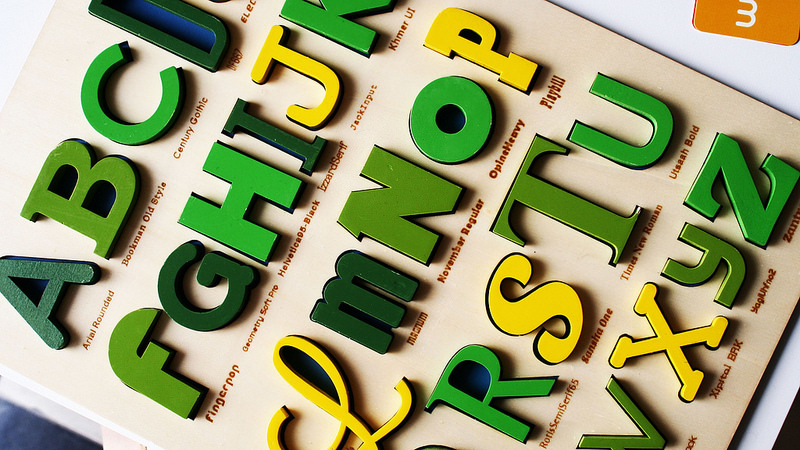
Using apps such as Amazon’s Flow your phone can recognize objects, text, and places with ease. There are also apps available, such as WhatTheFont for identifying a particular font.
Source:
flickr
Use Augmented Reality on Your Car’s Windshield
If you find yourself driving in bad weather or in a strange location, the Hudway app can be a lifesaver. Set your destination, place the phone on the dashboard, and your smartphone will project a GPS-enabled map directly onto your windshield.

Source:
youtube
Find Out Why Your Car Isn’t Running
The Automatic Pro app word for both Android and iPhone. With an adaptor, you can plug it into your car’s ODB-II port and run a diagnostic without having to fork over hard-earned cash to a mechanic for the service.
Source:
flickr
Search Through Your Photos by Category
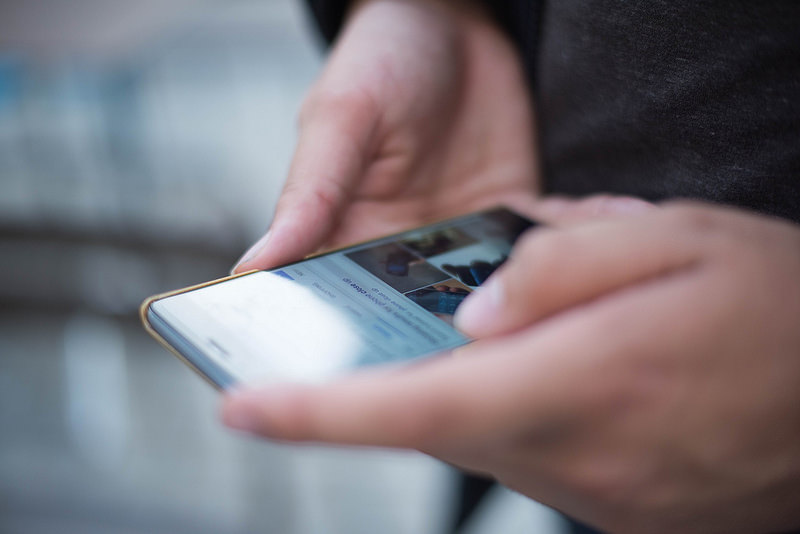
Do you have a hard time finding the photo you’re looking for in the hoard of photos on your phone? Don’t worry! There’s a search function at the top of your photo app that includes categories. Try it. You might be surprised how simple a photo search is.
Source:
flickr
Read Barcodes, Not Just QR Codes
We all know smartphones can read QR codes, but what about barcodes? You can scan barcodes from most shipping companies or download an app such as RedLaser to compare item prices at other stores while you’re shopping.

Source:
flickr
Have Custom Vibrations for Your Contacts
Are you worried about missing a call from someone important but need to keep your phone on silent? Give them their own unique vibration so you can still tell when they are calling. If you have an iPhone, go into settings, then sounds and haptics, ringtone or text tone, and then click the vibration option to find the custom option.
Source:
flickr
Check Your Blood Pressure and Heart Beat
There are dozens of heart rate monitor apps available for Androids and iPhones. By placing your finger in front of the camera, you allow the app to see your blood circulation and heartbeat. It’s actually kind of cool, and really useful if you need to do a quick health check.

Source:
flickr
Check Your Remote Batteries Quickly
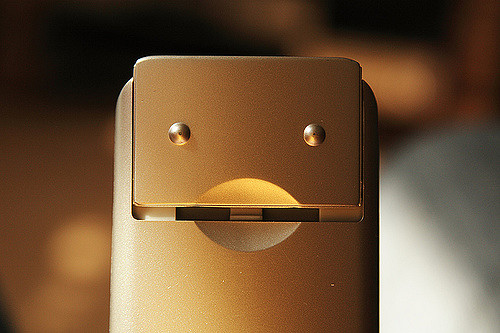
Is your remote low on batteries? You can quickly check to find out by pointing your remote at your phone’s front-facing camera and pressing any button on the remote. If there is an infrared light showing on your screen, then your remote batteries are still alive.
Source:
flickr
Move Shows on Your iPhone onto Your TV
Use screen mirroring and an Apple TV to access AirPlay. Soon you will be watching your favorite shows on the big screen instead of squinting to see what your favorite actors are looking at. It’s only a few button clicks to get there.

Source:
flickr
Stay Safe While Out on the Town
Use the bSafe app on your iPhone or Android. It lets you send invitations to friends or family to track your location as well as setting a timer to trigger a distress call if you do not arrive home in the amount of time you schedule. It even schedules fake calls so it can look like you are talking to someone while you walk home.

Source:
flickr
Scan and Digitize Negatives
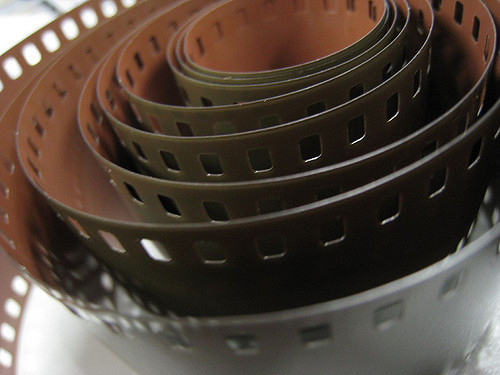
While it’s not professional quality, you can scan negatives with your smartphone. Use an Android app such as HELMUT film scanner or try playing with the negative effect on your camera.
Source:
flickr
Fix Siri’s Pronunciation
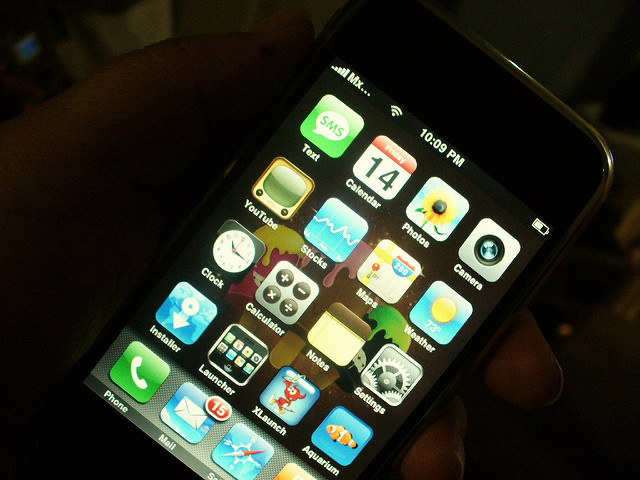
Is Siri annoying you by mispronouncing some of the words she uses frequently? Tell Siri to pronounce the word and then tell her “You’re pronouncing (the word) wrong.” She will invite you to give the proper pronunciation. Problem solved!
Source:
flickr
Turn on the Lights in Your Home or Office
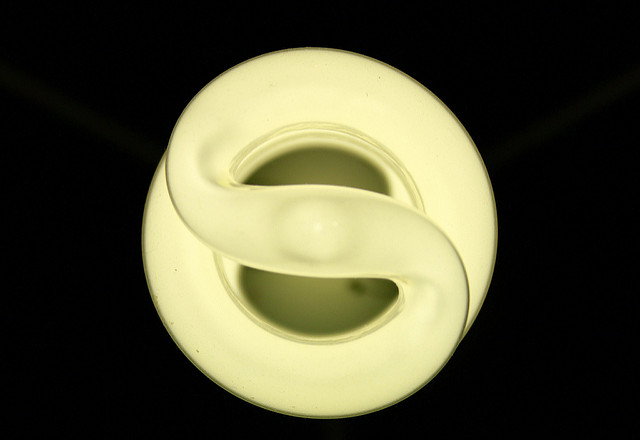
Use Amazon Alexa to turn any wifi-enabled lightbulbs on and off. Turn lights on before entering a room, set them to turn off at a certain time, turn all the lights in your home off all at once, or have them turn on randomly when you are gone to make it look like someone is still at home.
Source:
flickr
Turn Your Phone into a Ruler
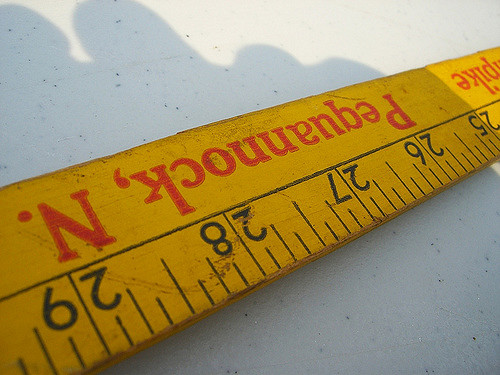
Free apps such as the Ruler App are a perfect solution for measuring objects that are smaller than your smartphone screen or even for measuring larger objects in a photo such as furniture.
Source:
flickr
Make Shortcuts for Text and Emojis
Do you have texts of emojis that you use regularly? If you have an iPhone, you can go to settings, select keyboard, go to text replacement, and plus the plus symbol. Just follow the instructions from there. You’ll be able to customize the shortcuts you use to access those emojis and texts.
Source:
flickr
Turn Your Phone into a Thermal Camera
SeekThermal lets you turn your smartphone into a thermal camera. It’s an app as well as a camera that is attached to your mobile phone. Soon, you too could be using advanced technology created especially for the military.

Source:
flickr
Scan QR Codes Without Needing an App
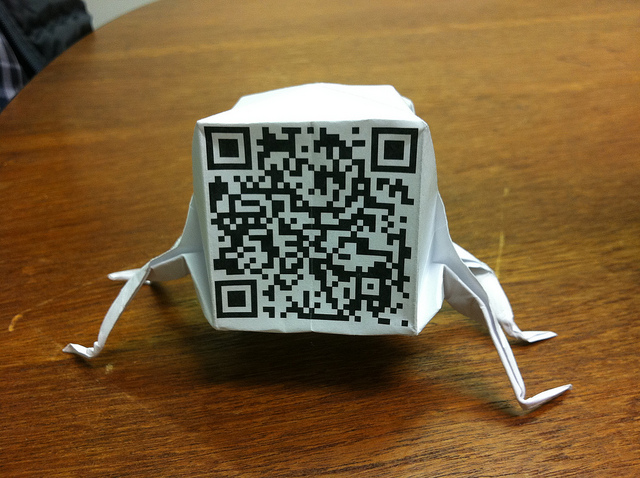
Use your iPhone or Android to scan QR codes without needing to download an app first. In your iPhone, just open the camera app, focus on the QR code and click the notification that pops up. If you have an Android, you just have to enable screen search first.
Source:
flickr
Enable Grayscale for Better Sleep
Do you need to make your phone less appealing and also less likely to wake you up so that you can finally get a full night’s rest? Go to your phone’s setting, find accessibility, click display accommodations, and choose color filters to find the option for grayscale.

Source:
flickr
Use Your Smartphone as a Level
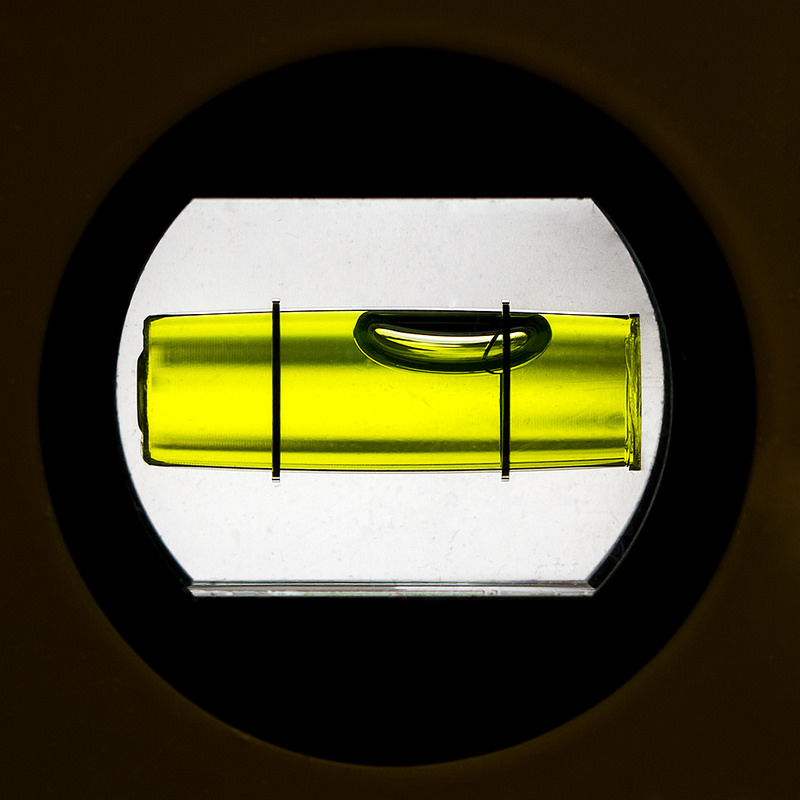
Do you need to level a painting on the wall or are really starting to wonder if one part of the floor is lower than the rest? Get the Bubble Level app for your iPhone or Android and find out for sure. It’s incredibly easy to use, just place your phone on the surface in question and the app will do the rest.
Source:
flickr
Check Your Blood Alcohol Content
With a small device and the BACtrack app you can quickly find out if you’re safe to drive or better off calling a cab. This app is a genuine lifesaver and may be worth the investment.

Source:
flickr
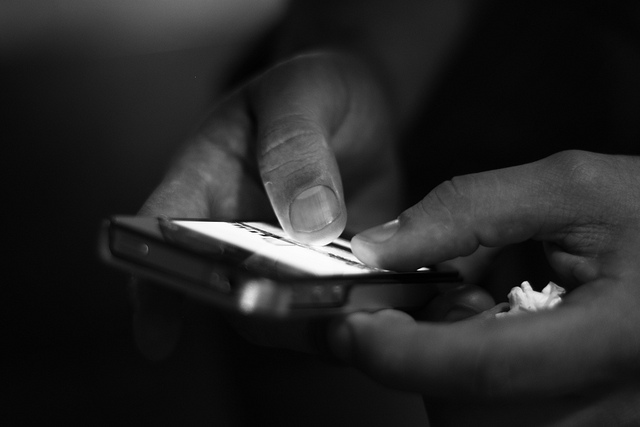
Shake the Smartphone to Undo Mistakes
If you have an iPhone and make a mistake, just shake your phone and an option will appear to delete it. If you have an Android, you’ll need to download the Shake to Undo module before you can get this feature to work.
Source:
flickr
Use Your Android’s Spacebar to Move the Cursor
Are big fingers making life complicated when it comes to moving your cursor? Just swipe the spacebar if you are using the Android GBoard or use 3D Touch on your iPhone keyboard.
Source:
flickr
Use Your Android as a Radio – Without the Internet
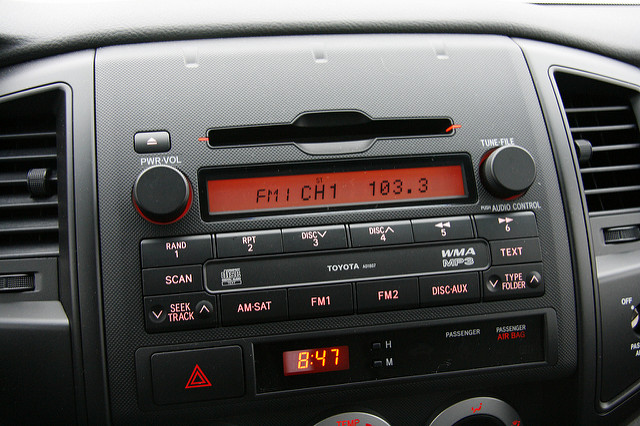
Your Android can access FM radio without the internet. So, if the apocalypse ever comes and there is no wifi or mobile signal to be found, you can still listen to the radio for updates on where the zombie army is currently moving. Hey, it could happen…
Source:
flickr
Use Your Android to Schedule Messages
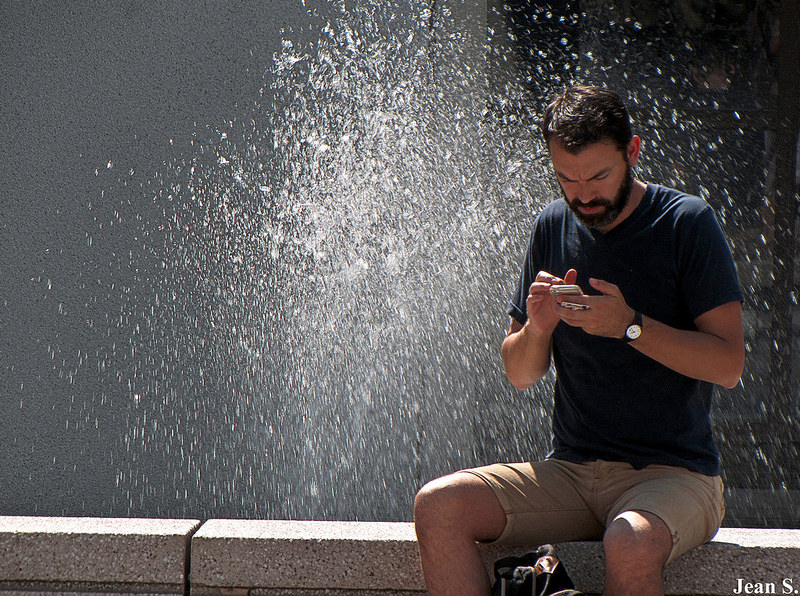
When you are creating a message, there is a pull-down menu on the top near the call button. Within it, you will find an option to schedule the message. This is great if an idea suddenly pops into your head at three in the morning, but you want to wait until a reasonable hour to actually send the message.
Source:
flickr
Close Multiple Apps at the Same Time
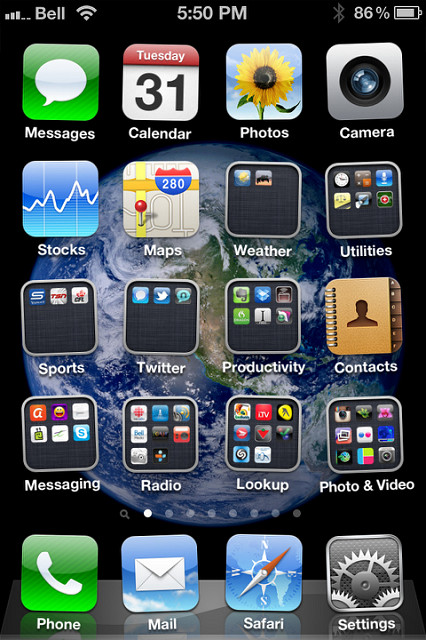
Use several fingers to swipe up on an iPhone and you can close all of your apps at once. If you have an Android, you can do the same thing, but you will need to install something like KillApps first before the magic can happen.
Source:
flickr
Identify the Flights Overhead
Are you curious about the flights going over your head? There is no need to wonder any longer. Simply ask Siri what planes are overhead and you will quickly learn what flights they are, as well as the angle and altitude of the planes.

Source:
flickr
Schedule Your Bedtime with Your iPhone
iPhone has a bedtime option that is a convenient combination of an alarm and do not disturb mode. You will find it in your clock app between the stopwatch and alarm. Now, that’s convenient.

Source:
flickr
Use Your Phone to Start Your Car
Use Viper SmartKey to lock, unlock, and start your car from a distance. It also has an option to diagnose car problems. What else could you ask for?

Source:
flickr
Turn Your Android’s Flashlight On and Off with a Few Words
Are you tired of fumbling around to turn the Android flashlight on and off? Just say, “Okay, Google, lumos” to turn the light on and “Okay, Google, nox” to turn it off. It makes life a whole lot easier.

Source:
flickr
Find your iPhone with Siri
Did you forget where you put your iPhone down? Fear not! Just say, “Hey, Siri, where’s my phone?” She will answer with “Follow the sound of my voice.” Just follow her voice and your phone will be reunited with you again.

Source:
flickr
Split Screen Your Apps on an Android
Hold down the tab button to turn your Android into a split screen to fit more than one app on the screen. This is useful if you’re trying to do more than one thing and are tired of having to tab through to get to each one. Convenient!
Source:
flickr
Cast Your Android’s Screen
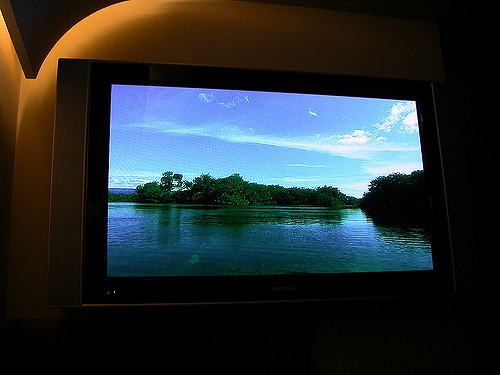
Use Chromecast to broadcast your Android’s display onto a television screen for easy viewing. Use it to mirror your phone or watch television and movies. The mirroring option can be found in Quick Settings. The sky is the limit.
Source:
flickr
Make Text Easier to Read on Your Android
If you need to make text and objects smaller or larger for easier viewing, you can zoom in and out in the majority of apps. You can also change the setting for size in Settings. Just go to the Display menu, click Font Size, and change the size to the one that works best for you.

Source:
flickr
Let People Borrow Your Android Without Full Access
Pin a frequently used app to your screen and younger (or nosy) members of your family will be able to use that app without unlocking everything else in your phone. Your privacy is safe once more.

Source:
flickr
Disable Your Android’s Lock Screen When at Home
While it makes sense to have a code of fingerprint scan required to open your phone when you’re out in public, it usually makes less sense – and is more of an inconvenience – when at home. To eliminate the requirement when at home, go to Settings, then Security, then Smart Lock. Add your home to the trusted places and you are good to go.

Source:
flickr
Use One-Handed Mode on an Android
Google’s custom keyboard has a one-handed mode for those of us who like to drink coffee and get things done at the same time. It’s probably already installed on your device, but if it’s not, you can download the Google Keyboard to get started.

Source:
flickr
Find Lost Notifications on Your Android
Did you swipe away a notification and then realize that it was important two seconds later? You’re not alone! Thankfully, there’s a solution. Tap and hold an empty spot on your home screen, choose Widgets when the option pops up, and locate the Setting shortcut. Drag that icon onto your home screen and a list will pop up. Select the Notification Log from the options and your full notification history will show up.
Source:
flickr
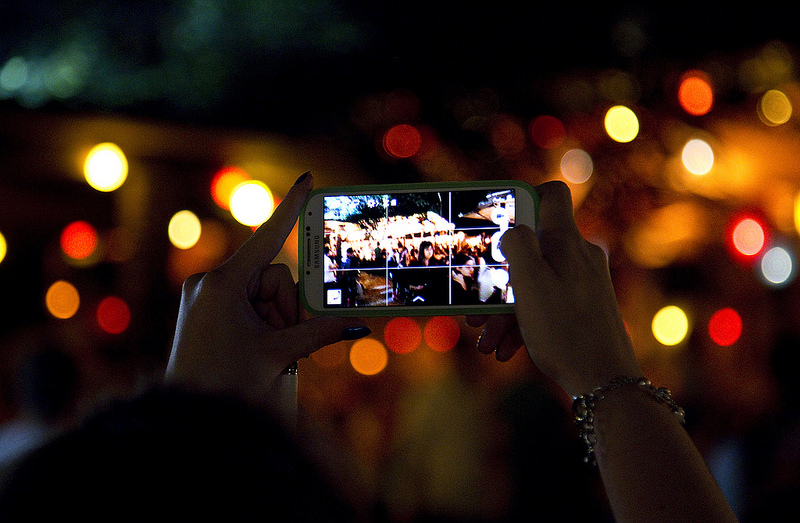
Take Actions Shots Easily
Use the shutter option to take a succession of photos quickly if you are at a live event and don’t want to miss one moment. Then, you can go through the images later and select the best ones. Its photography made simple!
Source:
flickr
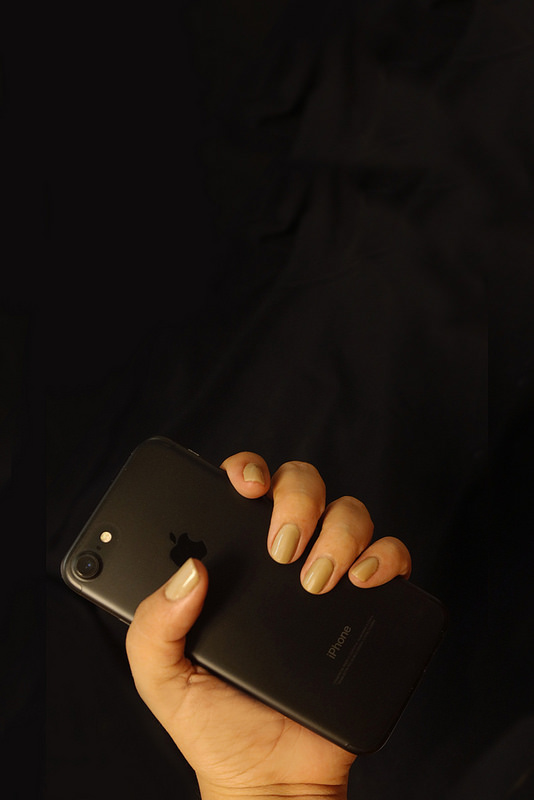
Take Better Photos
Are you looking for a softer focus for some pictures? Use the front camera on your camera to get that perfect look. If you need something crisper and more detailed, the back camera is the perfect option.
Source:
flickr
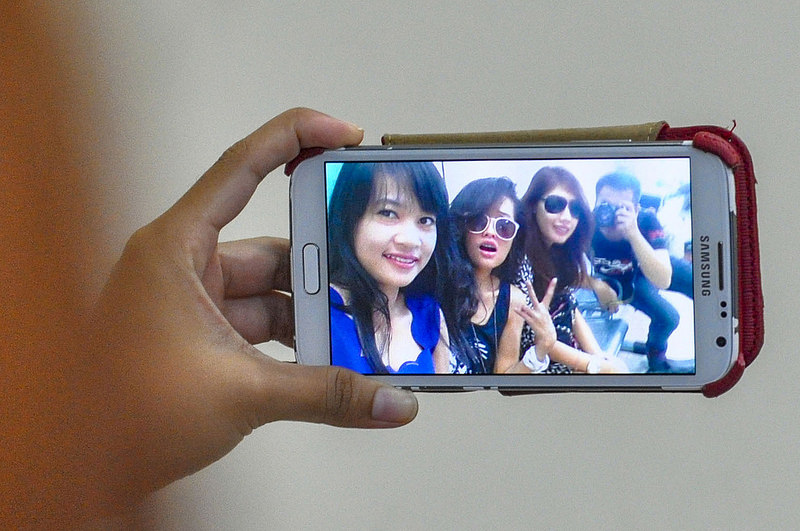
Take Photos with Ease
If you’re trying to take a photo from a slightly awkward angle, try using the volume buttons to snap a shot rather than clicking a button on the screen. It will make life, and the photo, a while lot easier.
Source:
flickr
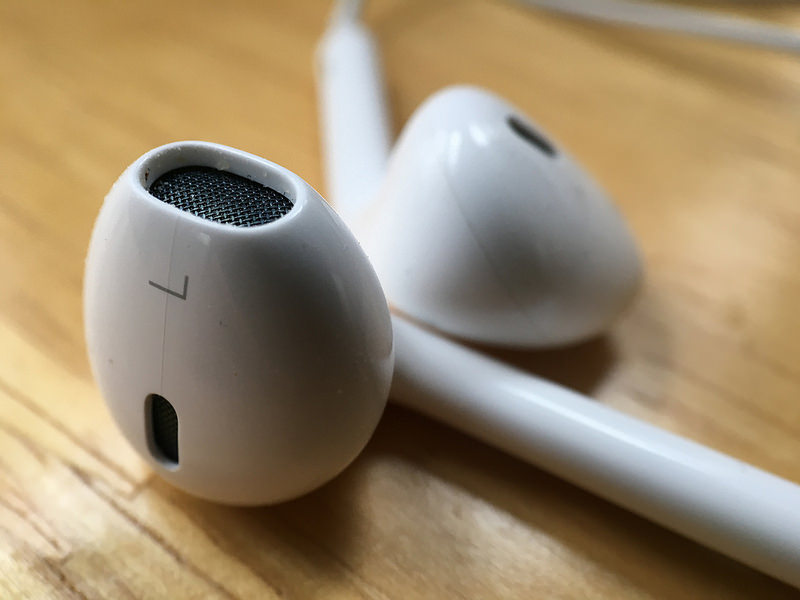
Use Your Earbuds to Take Easier Photos
If you still can’t get the perfect shot, try plugging in your earbuds. Then, you can use the volume buttons on the cord to take a snapshot without having to press anything on the phone itself. Now, that just makes selfies a whole lot simpler.
Source:
flickr
Double Your Charging Speed
If you still have an older mobile phone without a fast charging feature already installed, then switching your mobile device to airplane mode is the simplest way to double your charging speed. It saves a lot of battery use and allows the battery to fill more quickly.

Source:
flickr
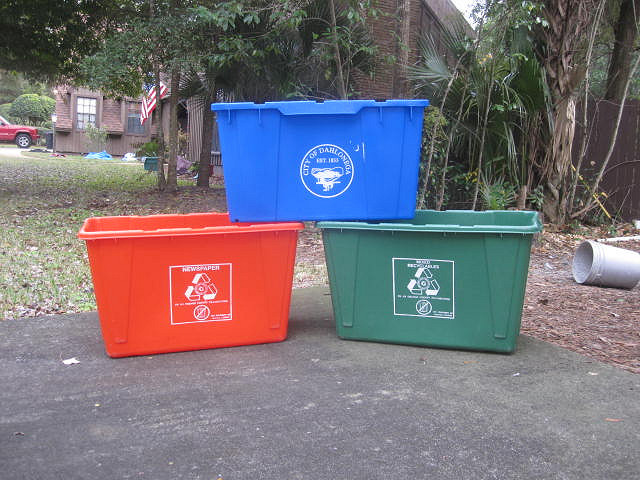
Add A Recycling Bin to Your Android
If you delete a file in your smartphone, it is usually gone forever with no way of getting it back. Installing a recycle bin gives you an added bit of security and one more button to click before the file is deleted forever. You can install one by using the Dumpster app.
Source:
flickr
Use Your Smartphone as Glasses
When you forget to wear your glasses and you need them, life can get a little complicated. Thankfully, your smartphone’s camera can take pictures that can bring things in the distance into focus and make them a little easier to s

Source:
flickr
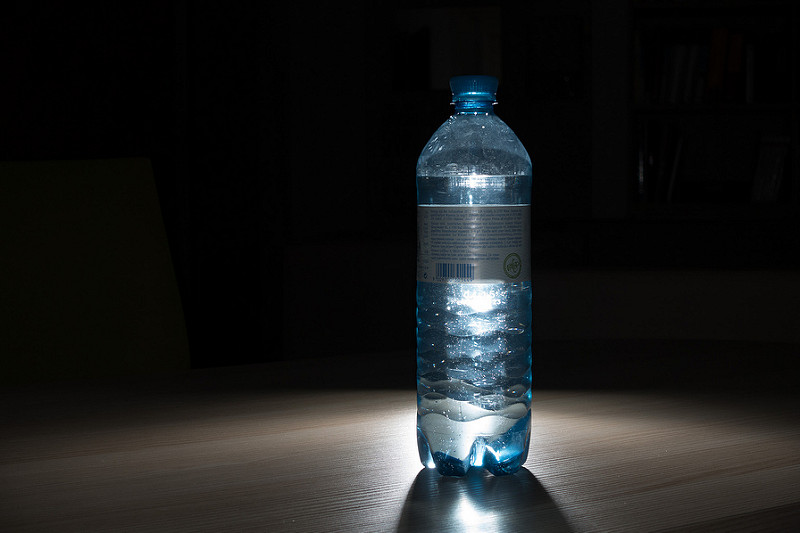
Turn Your Flashlight into a Nightlight
Have you had the power go out but didn’t have a candle? Just turn your phone’s flashlight on and put it behind a bottle of water to diffuse the harsh light. Now you have lighting that’s not a fire hazard to get you through until the electricity returns.
Source:
flickr
Use Google to Find Your Phone
If you have lost your Android and can’t remember where you last placed it, don’t worry. Just ask Google to “find my phone” and it will guide you towards the device
Source:
flickr
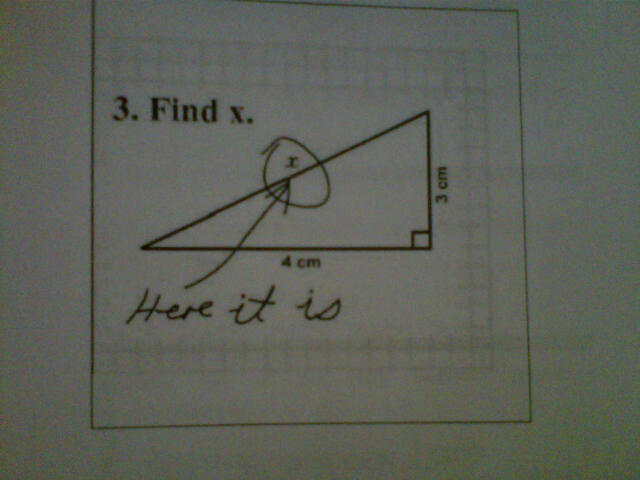
Solve Math Problems Easily
Just take a picture of a complicated math problem and use the Photomath app for your Android or iPhone. It not only helps you to solve the problems, but it can also teach you along the way. That’s an A+!
Source:
flickr
Save your Battery with Black Wallpaper
Change your background to black wallpaper and you will also save on battery life. A lot of a mobile device’s battery is used by lighting up the display. When less of the display is lit up, less power is used.

Source:
flickr
Change Out Your App Icons
Are you tired of the same old icons? There are a ton of apps available for switching out your icons for something more interesting. Just choose one that has a theme that suits your tastes and you are good to go. You can also completely customize by using your own images.
Source:
flickr
Make your phone charging port last longer
Your phone’s charging port, over time, collects dust and other debris. If you take a syringe full of air and blow it out, you can extend the life of the charging port.

Source:
@meetomars via Twitter
Please SHARE this with your friends and family.


